
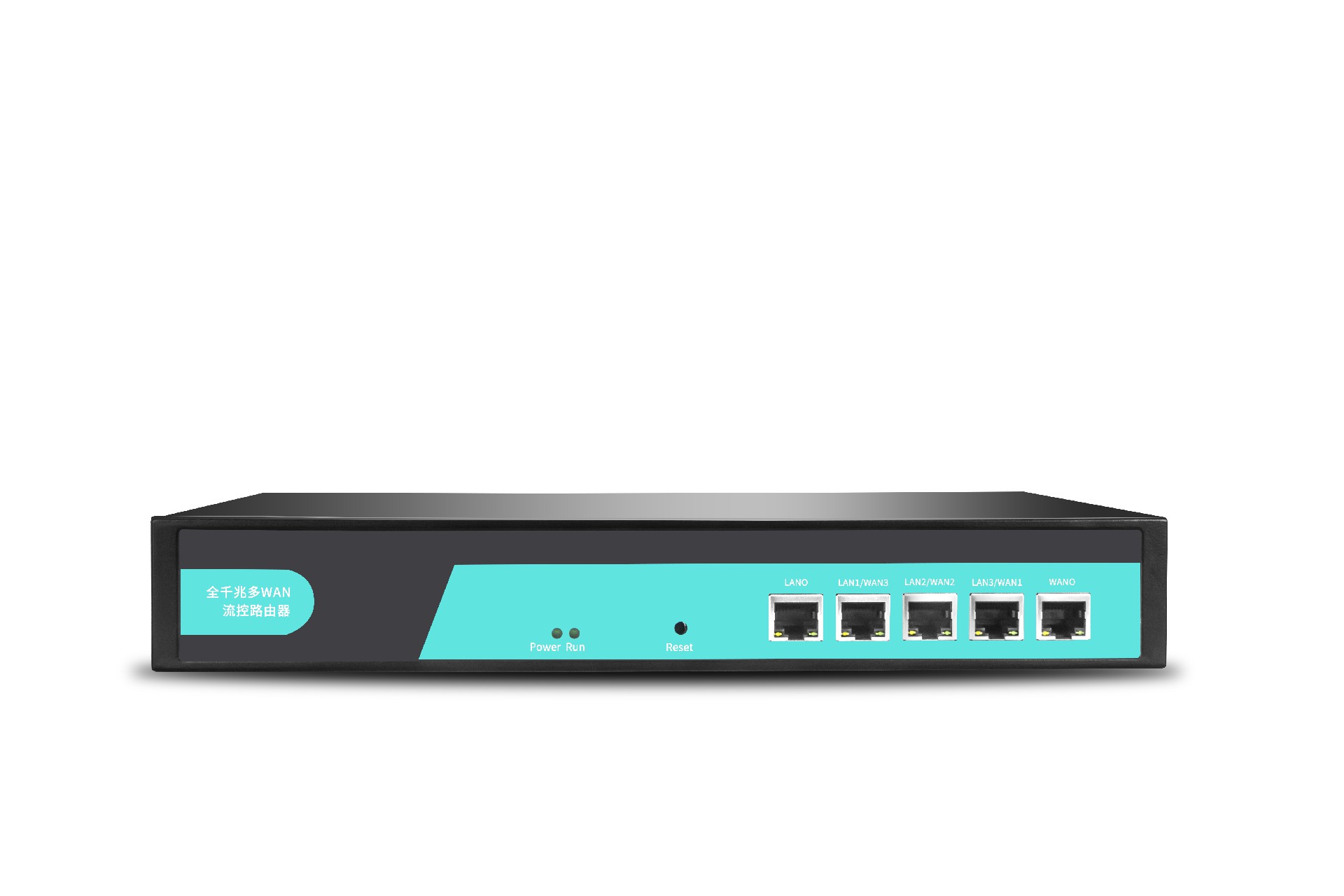







What should you do if your router keeps restarting?
What should you do if your router keeps restarting?
Scenario 1: Using the IoT Card;
1. First, verify whether the IoT SIM card is a dedicated network card with restricted data usage (unable to access the external internet);
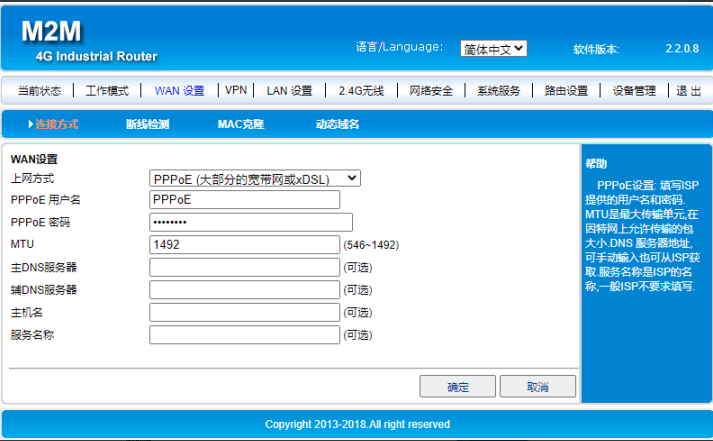
For a router with a dedicated data plan, disable the disconnection detection feature (the same applies to routers of other series), or change the disconnection detection IP address to an IP address that the dedicated card can access; follow these steps:
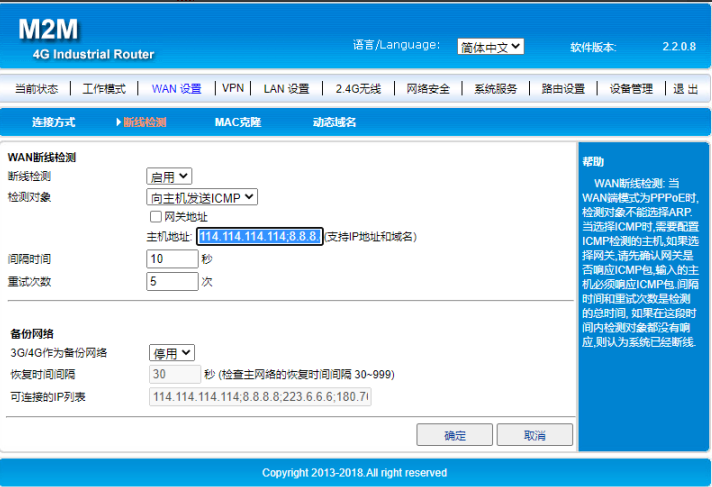
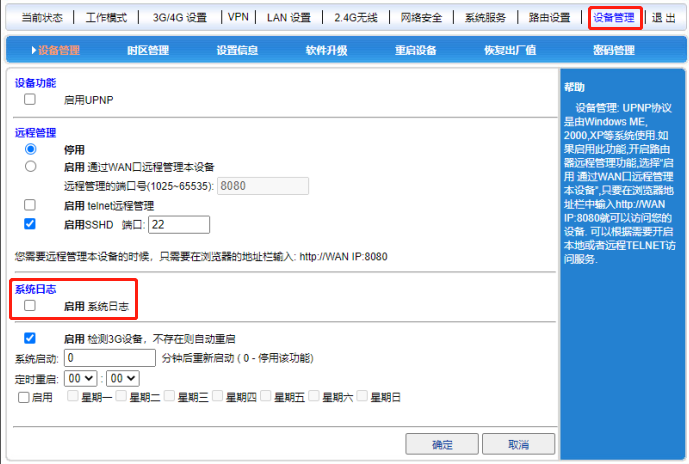
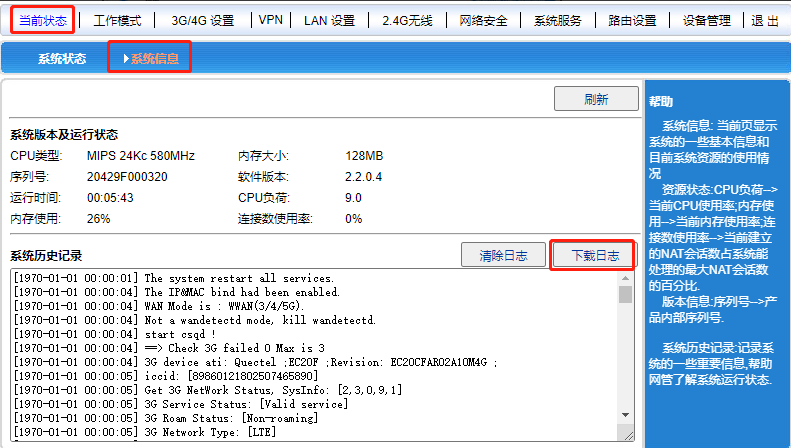
2、If the device is not a dedicated data SIM card, either restore the router to factory settings (hold the RST button for 10 seconds) or first enable system logging, then power off the device and restart it to reproduce the issue; subsequently, download the logs and send them to the relevant personnel for troubleshooting, as shown in the figure below: If the device is not a dedicated data SIM card, either restore the router to factory settings (hold the RST button for 10 seconds) or first enable system logging, then power off the device and restart it to reproduce the issue; subsequently, download the logs and send them to the relevant personnel for troubleshooting, as shown in the figure below: