







How do you use a VPN feature? Why is it common to use a VPN server?
How do you use a VPN feature? Why is it common to use a VPN server?
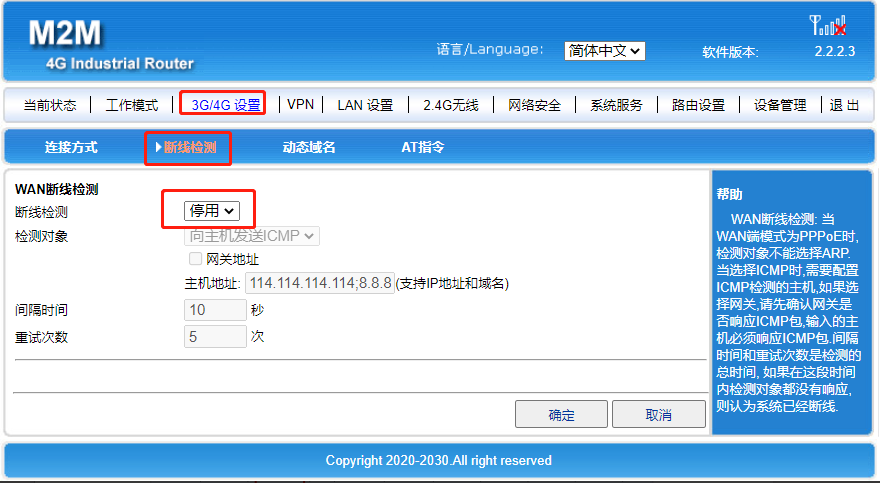
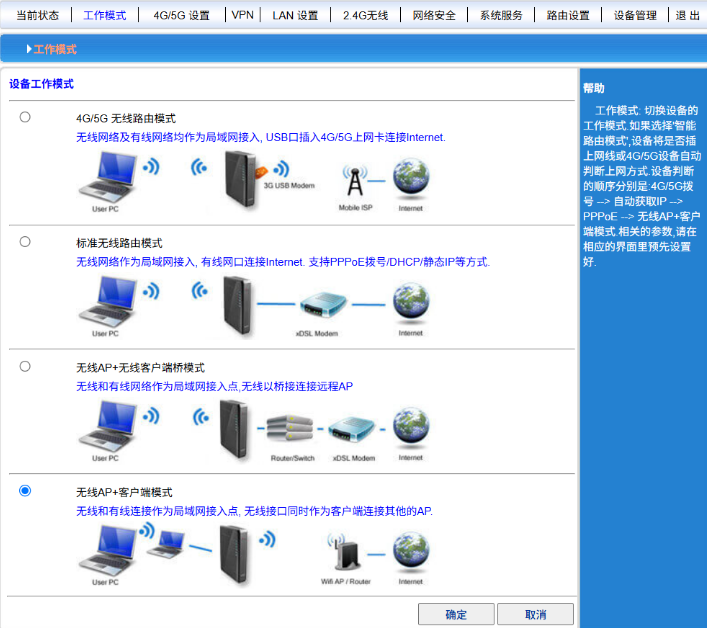
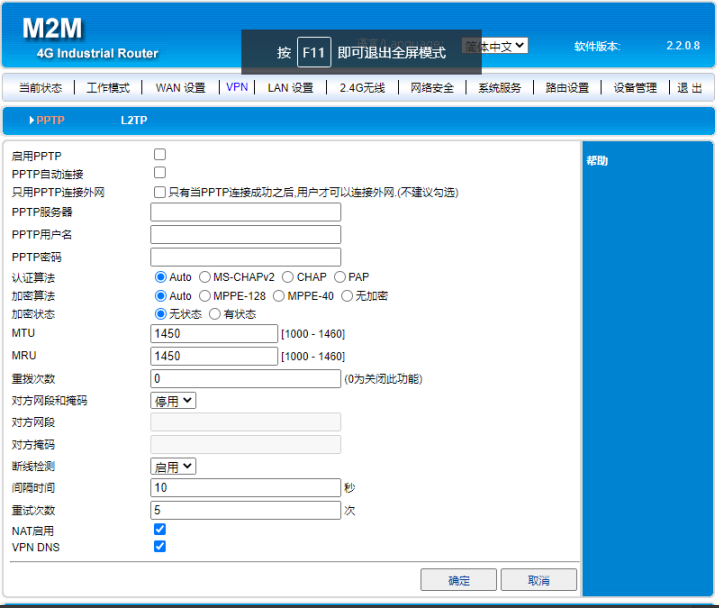
The current router is running a VPN client (supporting both PPTP and L2TP protocols). After accessing the router's web interface, click on the "VPN" function, then enter the VPN server's domain name/IP address, along with your username and password. Finally, click "OK"; all other parameters remain unchanged by default. The configuration screenshot is shown below:
In simple terms, it refers to a dedicated network channel;
The client (router) and the server (VPN server) – for example, a mobile app or a PC gaming client – are all considered clients; your personal information, game progress data, and so on, are stored on the developer's server – this is the server side; hence the need for a VPN server. The client (router) and the server (VPN server) – for example, a mobile app or a PC gaming client – are all considered clients; your personal information, game progress data, and so on, are stored on the developer's server – this is the server side; hence the need for a VPN server. The client (router) and the server (VPN server) – for example, a mobile app or a PC gaming client – are all considered clients; your personal information, game progress data, and so on, are stored on the developer's server – this is the server side; hence the need for a VPN server.